5 Signs Your Phone Battery Needs Replacing
Is your phone dying faster than it used to? Learn the telltale signs that your battery is on its last legs — and when it's time to get a professional replacement.
5 Signs Your Phone Battery Needs Replacing
Your smartphone battery doesn't last forever. After about 2-3 years of daily use, most lithium-ion batteries start to degrade noticeably. But how do you know when it's time for a replacement versus just a bad day? Here are the five most reliable signs.
1. Your Phone Dies Before Reaching 0%
If your phone shuts down at 15%, 20%, or even 30% battery, that's a clear sign the battery can no longer hold its rated capacity. The battery management system thinks there's charge left, but the battery physically can't deliver it.
What's happening: The battery's internal chemistry has degraded to the point where voltage drops below the minimum threshold even when the software thinks there's charge remaining.
2. The Battery Drains Unusually Fast
If you used to get through a full day on one charge and now you're reaching for the charger by lunchtime — without changing your usage habits — the battery is likely degraded.
Quick test: Charge to 100%, leave your phone on standby overnight. If it drops more than 5-10% with no apps running, the battery is struggling.
3. Your Phone Gets Unusually Hot
All phones generate some heat during use, but if your phone feels hot to the touch during normal tasks like texting or browsing, the battery may be failing. A degraded battery has higher internal resistance, which generates excess heat.
Warning: An extremely hot phone can be a safety hazard. If your phone is too hot to hold comfortably, stop using it and bring it in for inspection immediately.
4. The Battery is Physically Swollen
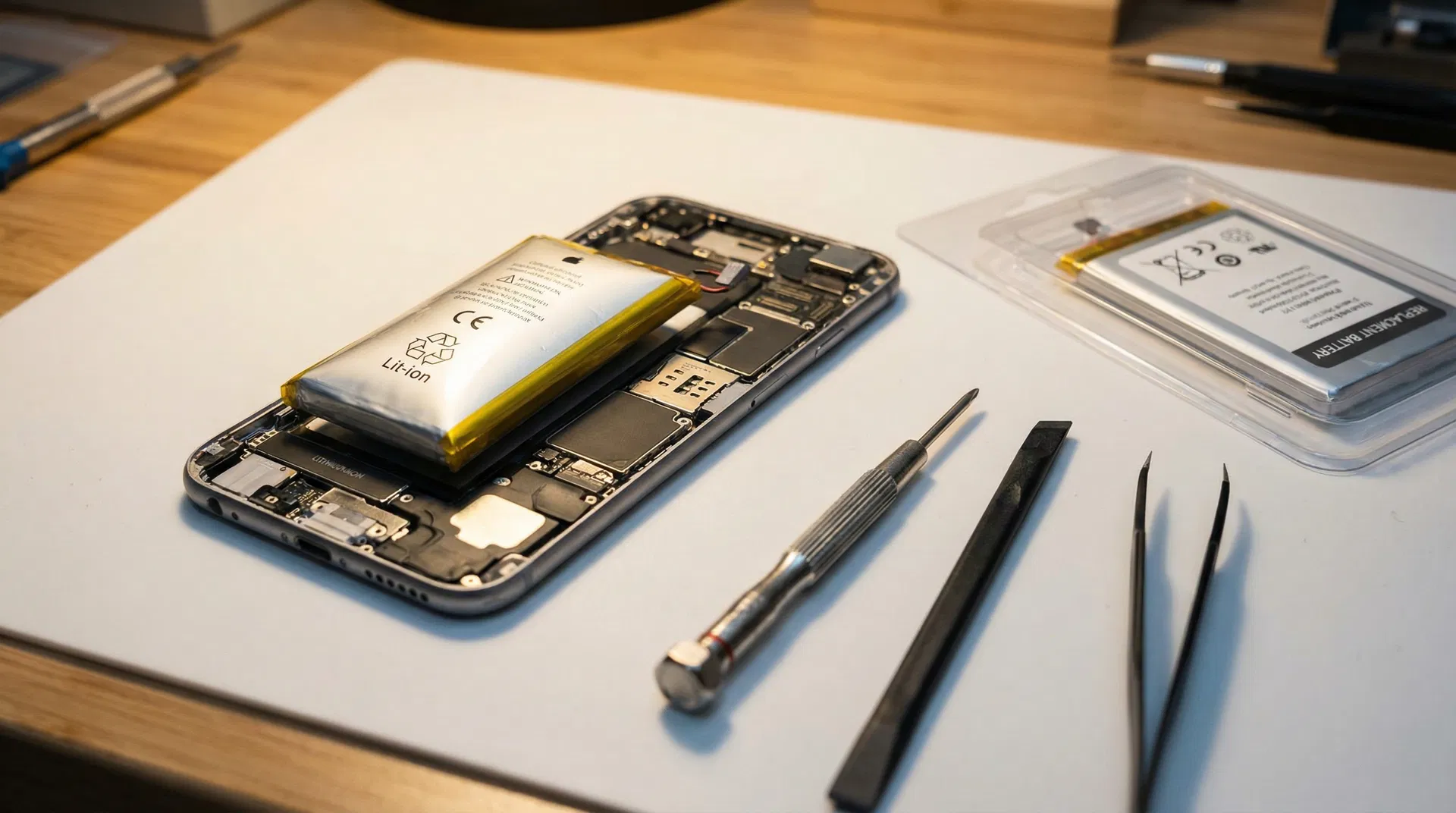
This is the most serious sign. If your phone's back panel is bulging, the screen is lifting away from the frame, or the phone won't sit flat on a table anymore, the battery has swollen due to gas buildup from chemical degradation.
This is urgent. A swollen battery can rupture or catch fire. Do not try to puncture or remove it yourself. Bring it to a professional repair shop immediately.
5. Your Phone Randomly Restarts
If your phone reboots itself without warning — especially during tasks that require more power like gaming, using the camera, or GPS navigation — the battery can't deliver enough current to keep the processor running.
Note: Random restarts can also be caused by software issues. If a factory reset doesn't fix it, the battery is the most likely culprit.
Check Your Battery Health
Most modern phones have a built-in battery health indicator:
- iPhone: Settings → Battery → Battery Health & Charging. Below 80% maximum capacity = time to replace.
- Samsung: Settings → Battery → Battery Health. "Good" is fine; "Weak" or "Replace" means it's time.
- Google Pixel: Settings → Battery → Battery Health.
When to Replace
As a general rule, replace your battery when:
- Battery health drops below 80%
- You experience two or more of the signs above
- Your phone is more than 2 years old and battery life has noticeably decreased
Professional Replacement at Du Mobile
At Du Mobile, we replace phone batteries in as little as 30 minutes using OEM-quality cells. Every replacement comes with our 180-day warranty, and we'll recycle your old battery responsibly.
Don't wait until a degraded battery damages your phone. A simple battery replacement can make your phone feel brand new again — at a fraction of the cost of a new device.
Book a battery replacement today → [blocked]
Need Help With Your Device?
Our certified technicians are ready to diagnose and fix your device. Same-day service available!