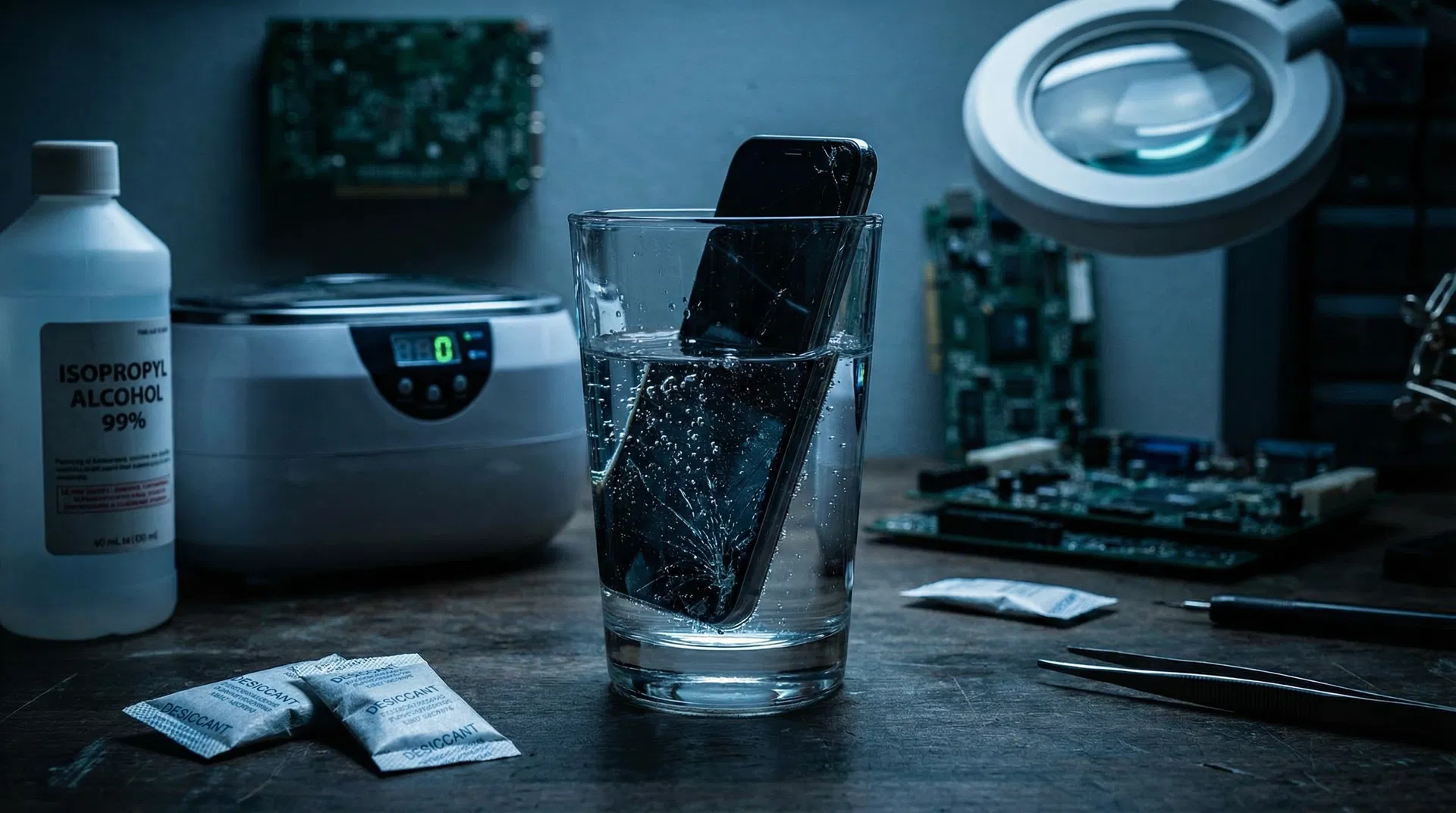
Phone Fell in Water? Here's Exactly What to Do (and What NOT to Do)
Water damage is one of the most common phone emergencies. The first 30 minutes are critical. Here's your step-by-step emergency guide.
Phone Fell in Water? Here's Exactly What to Do (and What NOT to Do)
Your phone just took a swim. Maybe it slipped into the sink, fell in the toilet, or got caught in a rainstorm. Whatever happened, the clock is ticking. What you do in the next 30 minutes can mean the difference between a full recovery and a dead phone.
The First 30 Minutes: Emergency Steps
Step 1: Get It Out Immediately
Every second counts. The longer your phone stays submerged, the more water penetrates the internal seals and reaches the circuit board.
Step 2: Power It OFF
This is the most critical step. If your phone is still on, power it off immediately. Do NOT try to check if it still works. Do NOT try to make a call. The combination of water and electricity causes short circuits that destroy components.
If your phone turned off on its own after water exposure, do NOT try to turn it back on.
Step 3: Remove What You Can
- Remove the case
- Remove the SIM card and tray
- Remove the SD card if applicable
- If your phone has a removable battery (rare these days), remove it
Step 4: Shake Out Excess Water
Gently shake the phone with the charging port facing down to let gravity pull water out of the openings. You can also gently tap it against your palm.
Step 5: Dry the Exterior
Use a lint-free cloth or paper towel to thoroughly dry the outside of the phone. Pay special attention to the charging port, headphone jack, speaker grills, and SIM tray slot.
What NOT to Do (Common Myths)
Do NOT Put It in Rice
This is the most persistent phone repair myth. Rice does NOT effectively absorb moisture from inside a phone. Worse, rice dust and starch can get into your phone's ports and cause additional problems.
What actually works: Silica gel packets (the "DO NOT EAT" packets that come with new shoes and electronics) are far more effective at absorbing moisture. Place your phone in a sealed bag with several silica gel packets.
Do NOT Use a Hair Dryer
Heat can warp internal components, melt adhesives, and push water deeper into the phone. The same goes for putting your phone in an oven, microwave, or on a radiator.
Do NOT Charge It
Plugging a wet phone into a charger can cause a short circuit and permanently damage the charging circuitry and battery. Wait at least 48 hours before attempting to charge.
Do NOT Press Buttons Repeatedly
Pressing buttons can push water deeper into the phone through the button seals.
The 48-Hour Rule
After completing the emergency steps above:
- Place your phone in a dry, warm (not hot) area with good airflow
- If you have silica gel packets, seal the phone in a bag with them
- Wait at minimum 48 hours before attempting to power on
- 72 hours is even better for full submersion
When to Seek Professional Help
Bring your phone to a repair shop if:
- It was submerged for more than 30 seconds
- It fell in saltwater, chlorinated water, or any liquid other than clean water
- It won't turn on after 48 hours of drying
- It turns on but has issues (screen glitches, speaker problems, camera fog)
- You need your phone back sooner than 48 hours
Professional water damage treatment involves opening the phone, cleaning the circuit board with isopropyl alcohol in an ultrasonic cleaner, and carefully drying all components. This is far more effective than any home remedy.
Water Resistance Doesn't Mean Waterproof
Even phones with IP67 or IP68 ratings aren't truly waterproof:
- Water resistance degrades over time as seals age
- Drops and impacts can compromise the seals
- Hot water (showers, hot tubs) can bypass seals due to steam
- Saltwater and chlorine are more corrosive than the fresh water used in testing
Water Damage Repair at Du Mobile
At Du Mobile, we've successfully recovered hundreds of water-damaged phones. Our process includes:
- Complete disassembly of the device
- Ultrasonic cleaning of the circuit board with specialized solution
- Component-level inspection for corrosion damage
- Replacement of any damaged components
- Thorough testing before returning the device
We offer free diagnostics for water-damaged devices, and we're honest about the prognosis. If your phone can be saved, we'll save it. If it can't, we'll tell you upfront.
Bring in your water-damaged phone for a free diagnostic → [blocked]
Need Help With Your Device?
Our certified technicians are ready to diagnose and fix your device. Same-day service available!